How to Set Up Smart Outdoor Lighting Step by Step?
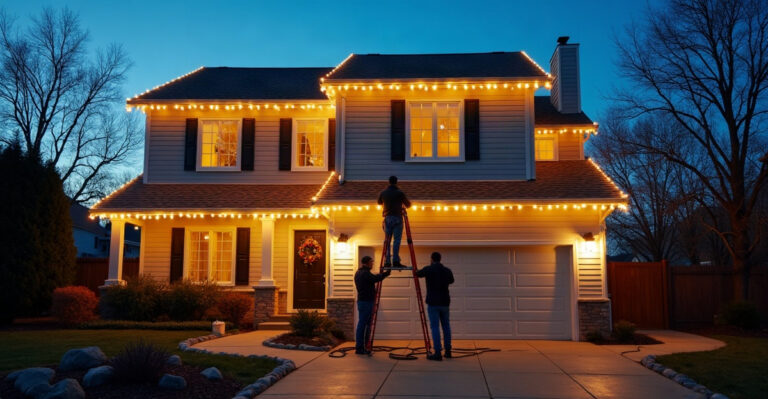
We start smart outdoor lighting with a clear plan, weather-rated compatible fixtures, reliable power, and dependable network coverage. We place lights to support safety and security, pair devices through an app or hub, and test schedules, motion sensors, and controls after dark.
Key Takeaways
- We plan lighting zones for entrances, paths, steps, driveways, gates, security areas, and outdoor living spaces before we choose equipment.
- We select outdoor-rated fixtures, plugs, cables, connectors, and enclosures that match the location, weather exposure, voltage, and existing fittings.
- We confirm smart-home compatibility, transformer and dimmer needs, and Wi-Fi, hub, or mesh coverage at every fixture location.
- We use qualified electrical professionals for fixed wiring, mains-voltage fixtures, outdoor circuits, switch or relay changes, and electrical enclosures.
- We pair devices one at a time, name each one by location, then create and test schedules, scenes, motion responses, and connectivity in real conditions.
Start With a Safe, Reliable Outdoor Lighting Plan
Smart outdoor lighting works best when we plan the lighting layout before choosing apps, bulbs, or automations. A clear plan helps us create safer access, easier arrivals home, lower unnecessary runtime, stronger security, and flexible spaces for relaxing or entertaining.
For anyone asking how to set up smart lighting, the practical order is simple: plan the area, select compatible weather-rated equipment, check power and connectivity, install or arrange installation, connect the system to its app or hub, then create and test automations.
Plug-in, battery-powered, and some manufacturer-approved low-voltage systems may suit homeowner setup when we follow the manufacturer’s instructions. Fixed wiring, mains-voltage fixtures, outdoor circuits, switch changes, and work inside electrical enclosures must be completed or assessed by a qualified or licensed electrician under local rules.
Before purchasing equipment, we should confirm the following:
- The areas we need to light and the result we want, such as safer paths, security, ambience, or decorative effects.
- Fixture types, mounting positions, beam direction, and likely shadows.
- Available power sources and the condition of existing outdoor equipment.
- Existing switches, dimmers, timers, photocells, motion sensors, and transformers.
- Smart-home ecosystem, control protocol, hub, and voice-assistant compatibility.
- Wi-Fi, mesh, or hub coverage at every outdoor location.
- Weather rating, cable protection, and material durability.
- Whether the installation needs qualified electrical work.
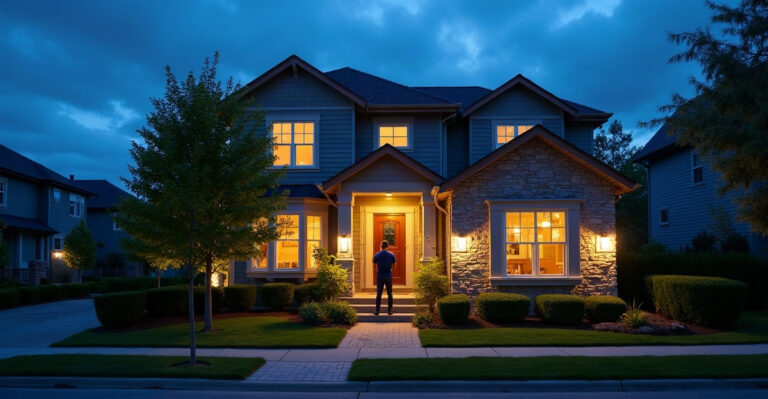
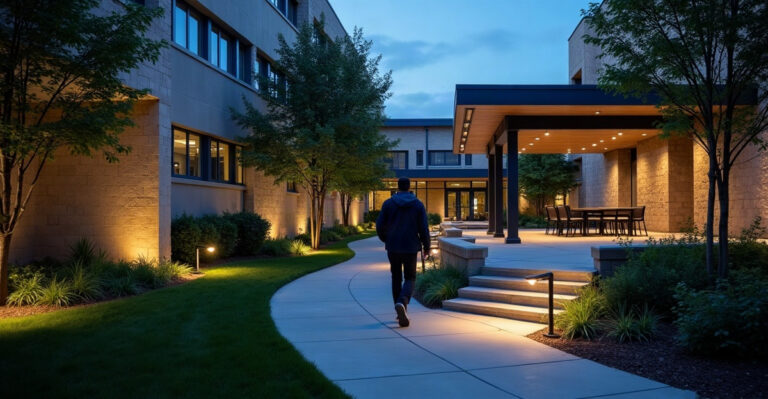
Start with lighting design. Illuminate entrances, steps, level changes, pathways, gates, and driveway access. Use layers: functional lighting for movement, focused security lighting for vulnerable areas, and ambient or accent lighting for outdoor living spaces. Our residential outdoor lighting options can help bring these layers together in a cohesive layout.
Avoid aiming lights into windows, drivers’ sightlines, or neighbouring properties. Beam angle, mounting height, landscaping, shadows, and future plant growth all affect the finished result. Good placement puts light on the surface that needs it, rather than scattering brightness where it is not useful.
Choose Smart Outdoor Lights That Suit the Space and Weather
How to set up smart lighting at home depends partly on choosing the right fixture category. Some products offer simple plug-in setup, while others need professional installation because they connect to fixed electrical wiring.
| Lighting option | Best use | Setup considerations |
|---|---|---|
| Smart wall lights or floodlights | Entrances, driveways, side access, security zones | Hardwired products generally need a qualified electrician. |
| Smart bulbs in compatible outdoor fittings | Existing porch or wall fittings | Both bulb and fitting must suit outdoor conditions, voltage, dimming, and enclosure requirements. |
| Low-voltage spike and path lights | Garden beds, paths, borders, and feature planting | Manufacturer-approved kits can be simpler to install, but transformer compatibility matters. |
| Smart outdoor plugs or controllers | Plug-in string lights, pumps, and compatible decorative lighting | Use outdoor-rated products, sockets, and enclosures only. |
| Smart switches or relays | Permanent fixture control and multi-zone systems | Professional assessment or installation is required where fixed wiring is involved. |
| Smart solar lights | Areas without practical cable access | Confirm genuine app control, scheduling, grouping, or smart-home integration. |
Outdoor-rated plug-in products, battery lights, and approved low-voltage kits can be practical DIY choices. Hardwired wall lights, outdoor circuits, smart switches, and relays require qualified electrical work.
An IP rating means ingress protection. It indicates the degree of protection a fitting provides against solids and water. The right rating depends on the exposure level and installation location, so we should check the fixture instructions and local requirements instead of assuming one IP rating suits every outdoor space.
Choose UV-resistant cables and components, corrosion-resistant finishes, sealed connectors, and outdoor-rated plugs, sockets, and enclosures. We must never use indoor bulbs, indoor smart plugs, or non-weatherproof connectors outside.
Smart bulbs work outdoors only when both the bulb and the existing fitting are suitable for exterior conditions. The bulb must also match the fitting’s voltage and dimming arrangement. Basic solar lights may turn on at dusk, but that does not make them smart. Genuine smart solar lighting may offer app control, schedules, grouping, remote access, voice control, or integration with a wider smart-home system.
Smart controls can reduce unnecessary runtime. Actual energy savings depend on fixture efficiency, lighting habits, automation settings, and the system being replaced.
Check Compatibility, Power Supply and Outdoor Network Coverage
Smart does not automatically mean compatible. Before buying, we should confirm the protocol, voltage, dimming method, hub or bridge requirement, transformer compatibility, and smart-home platform support.
Wi-Fi lighting is often easy to begin with, but it may struggle at gates, driveways, sheds, garden rooms, and detached buildings without strong coverage. Zigbee usually needs a compatible hub or bridge and can work well across larger device networks. Thread and Matter may support cross-platform interoperability when every device and controller supports them. Bluetooth can suit close-range control, though remote control and automations may be limited without a bridge. Manufacturer-specific systems can require a dedicated app, hub, or ecosystem.
Test phone signal or Wi-Fi at every planned fixture position, especially the furthest points. A mesh node, outdoor access point, better hub location, or alternative protocol may be needed. For a deeper explanation, see do smart lights need Wi-Fi.
Most smart fixtures need continuous power to stay available in an app. Traditional wall switches, dimmers, timers, photocells, motion sensors, and incompatible transformers can interrupt power and make devices appear offline or behave inconsistently.
Existing low-voltage garden transformers also need careful assessment. An incompatible transformer can cause flickering, pairing problems, unreliable dimming, or failure to power smart lighting correctly.
Install or Prepare the System Without Compromising Safety
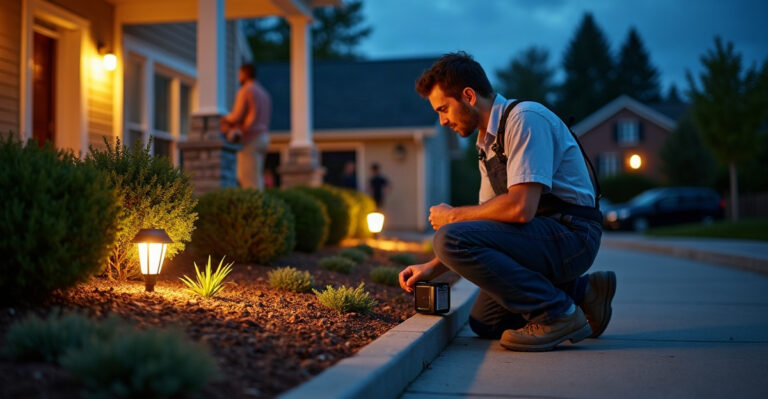
We can position approved plug-in, battery-powered, and manufacturer-approved low-voltage components, secure cables as instructed, install apps, and prepare hubs or bridges. A qualified or licensed electrician must complete or assess fixed wiring, mains-voltage fixtures, outdoor circuits, switch changes, and work inside electrical enclosures.
Never modify circuit breakers, bypass safety devices, or open electrical connections without appropriate qualifications. Professional support protects the property, the lighting system, and everyone using the space.
Place fixtures so they light the intended path, wall, planting, or access point without glare. Keep connectors sealed and protected. Use approved outdoor cable routes, avoid trip hazards, and protect cables from garden tools. For permanent systems, our permanent light installation service provides a safe, polished option.
Position motion sensors to cover approaches to entrances, gates, pathways, and driveways. Test the detection area after installation. Avoid aiming sensors directly at roads, busy footpaths, heat sources, or moving trees and shrubs that can cause false triggers.
Connect Lights, Hubs and Apps in the Right Order
Once equipment is installed or ready for connection, pair it in a controlled sequence. First, confirm each fixture has continuous power. Next, install the correct manufacturer app or compatible smart-home platform. Place the hub or bridge within reliable range where required, then add one device at a time.
Give every device a clear location-based name. “Front Path,” “Driveway Floodlight,” “Patio String Lights,” and “Side Gate” are much easier to control, troubleshoot, and automate than generic device names. After pairing, assign lights to the correct room, zone, or group.
Check for firmware updates for lights, hubs, bridges, and apps once setup is complete. Before grouping products from different brands, confirm that the app, hub, voice assistant, and smart-home platform support the integration.
Conventional switches that cut power to smart fixtures will make them appear offline. A qualified electrician can assess suitable switch, relay, or control options where needed. Smart-bulb setups also need a final check of fitting type, voltage, dimming method, enclosure suitability, ventilation, and weather protection.
For a clearer view of control methods, see control permanent outdoor lighting.
Create Useful Automations, Then Test the System in Real Conditions
Create groups, scenes, schedules, timers, motion responses, sunset-to-sunrise settings, and away routines only after every individual light works reliably. Start with useful everyday functions rather than adding every feature at once.
Entrance and pathway lights can turn on at sunset. Driveway and gate lights can brighten when motion occurs. Patio lighting can switch to a warm, dimmed setting for entertaining, while security lights can activate during an away routine. Decorative lights can also follow holiday schedules, and non-essential lighting can switch off late at night to reduce energy use and light pollution.
Use lower brightness for ambient effects and brighter, focused light for entrances, steps, gates, and security-sensitive areas. Motion automations can work with schedules, such as allowing path lights to respond only after dark and dim again after a selected period. Explore practical smart outdoor lighting automations and seasonal outdoor lighting schedules for more setup ideas.
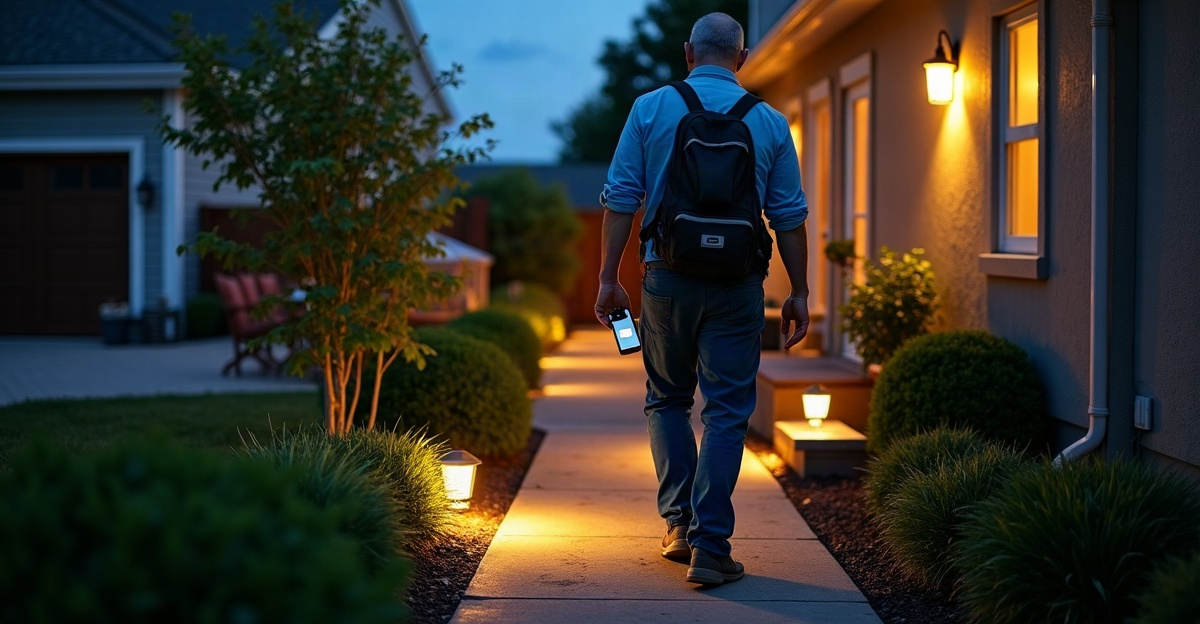
Test the system after dark. Walk every pathway and step, then view the lights from indoors, the street, and property boundaries. Confirm app and voice control, motion coverage, schedules, and device connectivity at the furthest outdoor locations. Repeat these checks periodically, watching for water ingress, corrosion, cable damage, plant growth, reduced Wi-Fi coverage, and available updates.
Troubleshooting Common Problems and Knowing When to Call a Professional
If a device will not pair, confirm continuous power, the correct app, the supported protocol, reliable range to the hub or router, and pairing mode. If an outdoor light appears offline, check network or hub range, router and password changes, power availability, and the integrity of the weatherproof enclosure.
Flickering smart bulbs or unreliable dimming often indicate an issue with the fitting, dimmer, driver, or transformer. We should not alter wiring to solve this problem. Arrange professional assessment instead. After a router or password change, reconnect hubs or devices using manufacturer guidance and check app permissions, location settings, and time-zone settings.
Motion sensors that trigger too often or miss people may need changes to placement, sensitivity, detection angle, and timing. Check for moving branches, pets, road traffic, or heat sources. Where low-voltage smart lighting uses a transformer, a qualified electrician or installer should confirm voltage, load range, dimming compatibility, and manufacturer requirements.
Frequently Asked Questions
Can we make existing outdoor lights smart?
Often, yes. Compatible smart bulbs, outdoor plugs, controllers, relays, or switches can add control, but existing fittings, voltage, dimming equipment, and weather protection must be compatible.
Do smart outdoor lights need Wi-Fi?
Some do, while others use Zigbee, Thread, Bluetooth, or manufacturer-specific hubs. The chosen system determines the connection requirement.
What IP rating do outdoor smart lights need?
It depends on the fixture’s location and exposure to dust, rain, spray, and direct weather. Follow manufacturer instructions and local rules.
Can smart outdoor lights work with motion sensors?
Yes, provided the sensor, fixture, control method, and automation platform work together correctly.
Do smart lights work if the wall switch is off?
No. If the switch cuts power, the smart light cannot stay online or respond through its app.
Can we use smart bulbs outside?
Yes, but only where both the bulb and the fitting are suitable for exterior conditions and electrically compatible.
Are solar outdoor lights really smart?
Some are, but basic dusk-to-dawn operation alone does not provide smart functions. Check for app control, schedules, grouping, remote access, or integrations.
Do we need an electrician to install smart outdoor lighting?
Qualified help is required or strongly recommended for fixed wiring, mains-voltage fixtures, circuits, switch or relay changes, transformers, multi-zone systems, and complex integrations.
For professional lighting design, system planning, integration support, or qualified installation, we can support the project through Big Pig Smart Lighting. Our outdoor accent lighting, outdoor security lighting, and under-eave lighting options help create a safer, smarter, and more inviting property.